- Games
- Action RPGs
- No Rest for the Wicked
Here's how to enjoy No Rest For The Wicked with friends
When you purchase through links on our site, we may earn an affiliate commission. Here’s how it works.
 (Image credit: Moon Studios)
Jump to:
(Image credit: Moon Studios)
Jump to:
- How Co-op works
- Copy link
- X
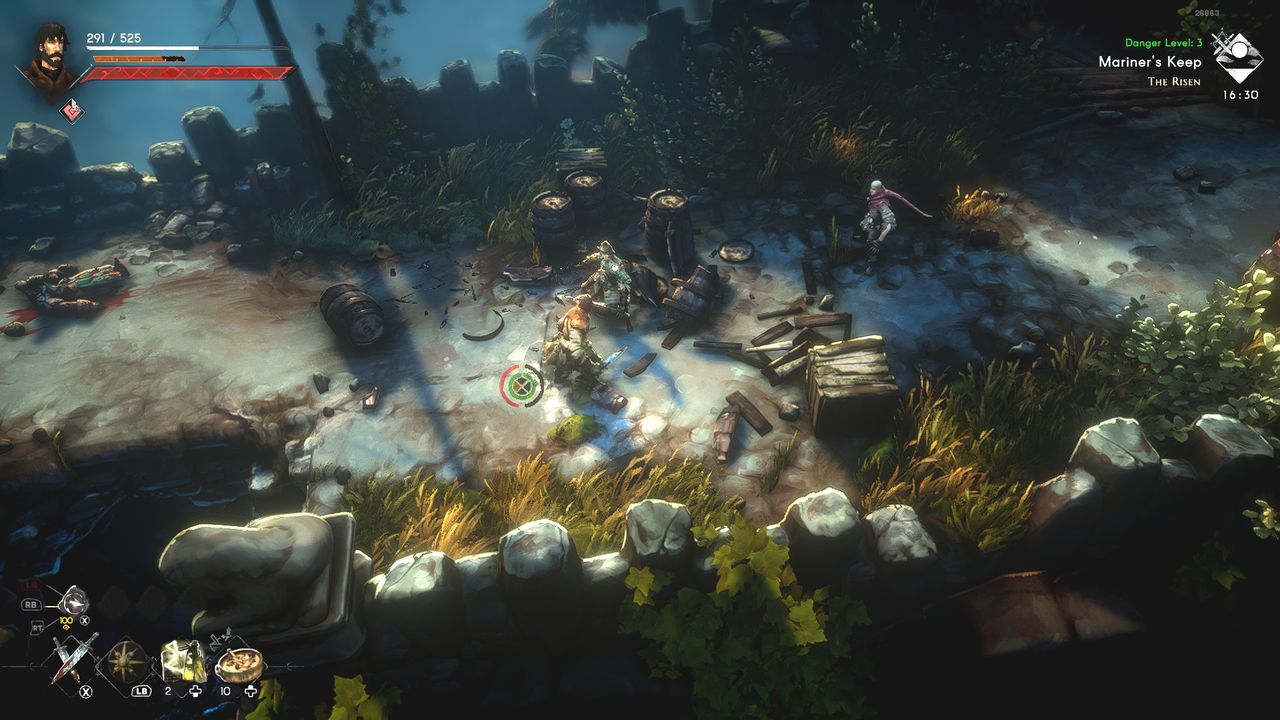
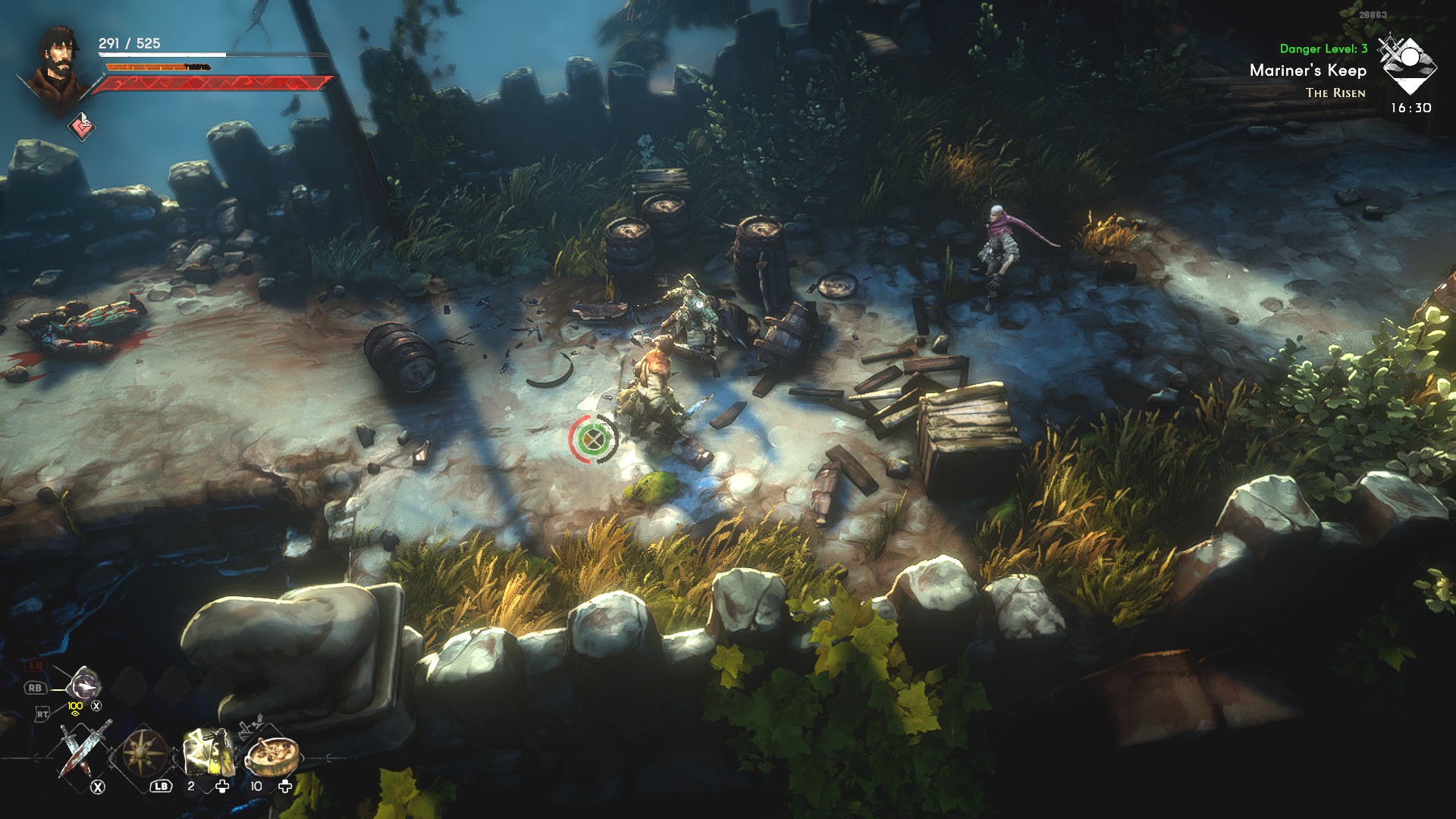
No Rest For The Wicked co-op lets you play with friends as of the the major “Together” update. Create a Realm and you can now brave the lands of Isola Sacra with three buddies as you hack and slash your way through horrors beyond your imagination. That said, if you’re new to the game, you might notice that there’s no shiny “co-op” button for you to press on the main menu. So… how does co-op work here anyway?
No Rest For The Wicked is a little quirky in how it handles online, but it’s really easy to set up once you know where to look. Also, once you know what you’re doing, you can find some really unique ways to go questing with your friends. Here’s everything you need to know.
You may like-
 How to play Where Winds Meet multiplayer with friends
-
 How To Respec In No Rest For The Wicked
-
 No Rest for the Wicked is the number 1 game on Steam right now thanks to the new co-op update
How to create a co-op campaign in No Rest For The Wicked
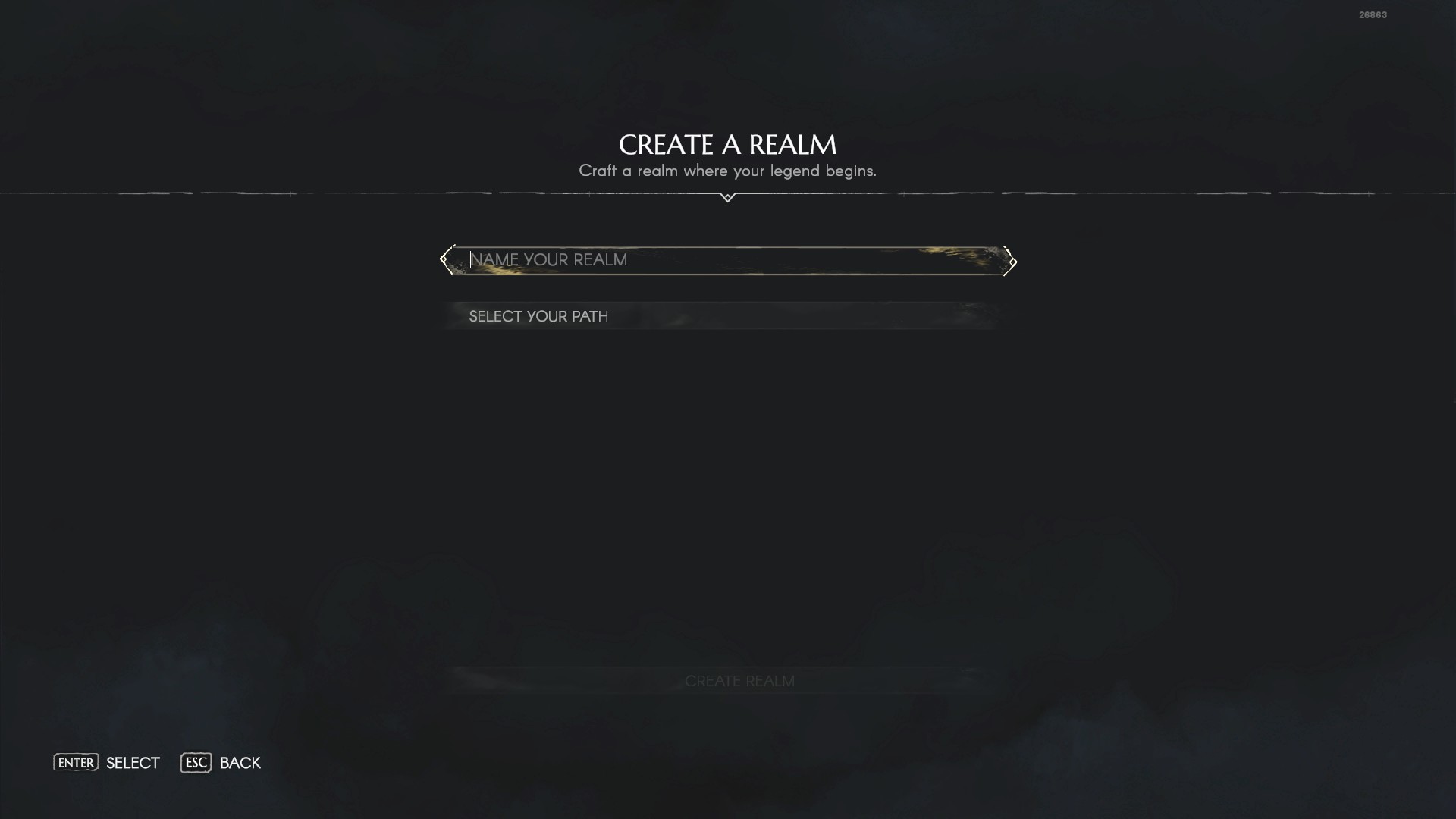
1: On the title screen of the game, you should see an option called “Realms.” Select this option, and select the “Create Realm” option at the top of the screen. A “Realm,” in No Rest For The Wicked is basically a fancy word for “campaign,” so creating a Realm is essentially creating a new save file.
2: Name your Realm something that won’t embarrass you in front of your friends (unless you want to be embarrassed, I’m not here to judge). Select your desired difficulty (which can be later changed in-game, so no pressure here), and then select the “Create Realm” option at the bottom of the screen.
3: Select your newly created Realm, and choose the “Share” option. Confirm the message that pops up, and then you’ll be taken to a screen where you can invite any of your Steam friends who own No Rest For The Wicked to your realm. You can’t jump into a random stranger’s game.
4: Your newly created Realm should now appear in your friends’ “Realms” menus. All friends must select the newly-created Realm and choose the “Accept” option in the menu that pops up. Now everyone can jump into the new world as they please!
How No Rest For The Wicked Co-op works

After following the above steps, your multiplayer Realm will always be online for you and your invited friends to play. Even if the person who created the Realm isn’t online, the Realm will always remain playable. Players can also use any character they’ve created to play on the new Realm; if everyone wants to carry over their solo characters for multiplayer action, you all have the freedom to do so.
Unfortunately, you cannot play No Rest For The Wicked as a couch co-op game as of writing. Everyone needs their own copy of the game.
Note that this also means players can advance the main story without everyone present, which might disorient whoever wasn’t online at the time. Players can also inflict friendly fire on each other, so you really want to coordinate with your friends while playing. This is “the Wicked way” according to Moon Studios themselves, so make sure you only invite people you really trust.
That said, No Rest For The Wicked scales its difficulty depending on how close players are to each other. Enemies will be tougher and more numerous when traveling together, but two players in different parts of the world won’t face the same elevated difficulty. So no matter who you play with or what your playstyle is, enjoy your time with No Rest For The Wicked, together!
Sign up to the GamesRadar+ NewsletterContact me with news and offers from other Future brandsReceive email from us on behalf of our trusted partners or sponsorsBy submitting your information you agree to the Terms & Conditions and Privacy Policy and are aged 16 or over.© GamesRadar+. Not to be reproduced without permission.
CATEGORIES PC Gaming Platforms Timothy MonbleauFreelance Contributor
Timothy (you can call him Tim) has been writing professionally for over a decade, and he’s waxed poetic about his favorite videogames on the internet for even longer. He chased his dream of writing about games until he became the Guide Editor for Destructoid, nowadays you can find him on Kotaku, PC Gamer, and now GamesRadar+. He will try just about anything, but he’ll throw himself headfirst into RPGs, action games, platformers, and most things retro.
Tim’s greatest interest is in writing features that analyze the games we play and unpack the ways we get invested in them—whether it’s with a unique story or just really fun game mechanics. When he’s not writing, you can catch him reminding everyone to play more Ys.
Show More CommentsYou must confirm your public display name before commenting
Please logout and then login again, you will then be prompted to enter your display name.
Logout Back To Top Read more How to play Where Winds Meet multiplayer with friends
 How To Respec In No Rest For The Wicked
 No Rest for the Wicked is the number 1 game on Steam right now thanks to the new co-op update
 How to play with friends in Hytale and join their world
 The 25 best co-op games you can play in 2026
 How Highguard crossplay works and how to play with your friends
Latest in Action RPGs
How Highguard crossplay works and how to play with your friends
Latest in Action RPGs
 Nier creator Yoko Taro praises Devil May Cry icon Hideki Kamiya for his ability to "clap back" at annoying fans online
How To Respec In No Rest For The Wicked
Nier creator Yoko Taro praises Devil May Cry icon Hideki Kamiya for his ability to "clap back" at annoying fans online
How To Respec In No Rest For The Wicked
 Baldur's Gate 3 was $60 in Early Access and "I never loved that approach," No Rest For the Wicked dev says of new price
 The Expanse: Osiris Reborn could finally make Owlcat mainstream: "We’d been feeling a growing ambition to go bigger"
 Diablo veterans announce dark fantasy action RPG that "represents everything we've learned" about the genre
 Diablo meets Stardew Valley in this action-RPG about descending into a dungeon before coming up to rebuild a ruined town
Latest in Guides
How To Play No Rest For The Wicked Co-op
Diablo meets Stardew Valley in this action-RPG about descending into a dungeon before coming up to rebuild a ruined town
Latest in Guides
How To Play No Rest For The Wicked Co-op
 Arc Raiders On the Map quest walkthrough and guide
 Arc Raiders With a View quest walkthrough and guide
 All Highguard weapons for your loadout and raiding, and the best ones to use
 Tap Simulator codes (January 2026) for free Tokens, Enchant Crystals, and Potions
 Arc Raiders Combat Recon guide and walkthrough
GAME REVIEWSMOVIE REVIEWSTV REVIEWS
Arc Raiders Combat Recon guide and walkthrough
GAME REVIEWSMOVIE REVIEWSTV REVIEWS 1This hidden role board game makes me feel like a puppet master, so Traitors fans should listen up
- 2Cairn review: "This climber has a grip on me – even when it loses its footing with awkward systems, the challenge remains surmountable"
- 3The Doom Arena Board Game is hell on Earth (in the best way) | Preview
- 4This award-winning board game is a five star must-have
- 5Code Vein 2 review: "This vampire take on Elden Ring almost works, but the dungeons themselves lack bite"
 1Return to Silent Hill review: "Neither an impressive adaptation nor coherent enough to act as a standalone film"
- 228 Years Later: The Bone Temple review: "The wildest and weirdest entry into the franchise yet"
- 3Avatar: Fire and Ash review: "Still a technical marvel, with some of the year's best action filmmaking"
- 4Five Nights at Freddy's 2 review: "We have waited two years for a Five Nights at Freddy's 1.5"
- 5Wake Up Dead Man: A Knives Out Mystery review: "Brings Knives Out back to its roots for a sequel that's almost on a par with the original"
 1Wonder Man review: "A low-key gem that's up there with the MCU's best"
- 2Starfleet Academy review: "It may feel a little different to what we're used to, but this is Star Trek through and through"
- 3A Knight of the Seven Kingdoms review: "This Game of Thrones spin-off is a heartfelt and fun return to Westeros"
- 4Stranger Things season 5 finale review: “Shows off both the best and the worst of Hawkins”
- 5Stranger Things season 5, Volume 2 review: “All set up for a finale that has so much to deliver”